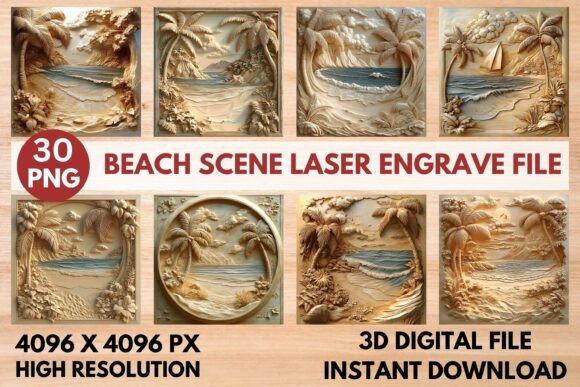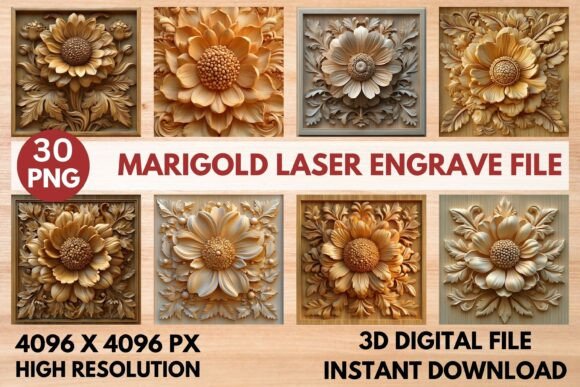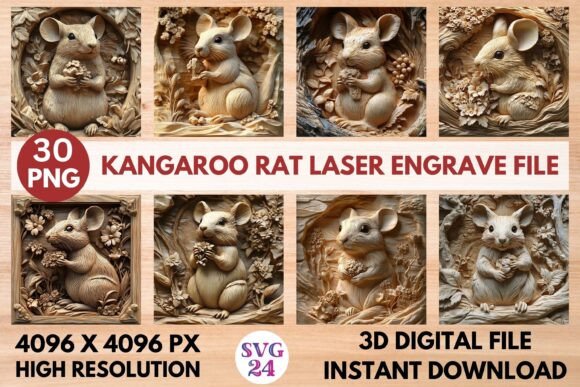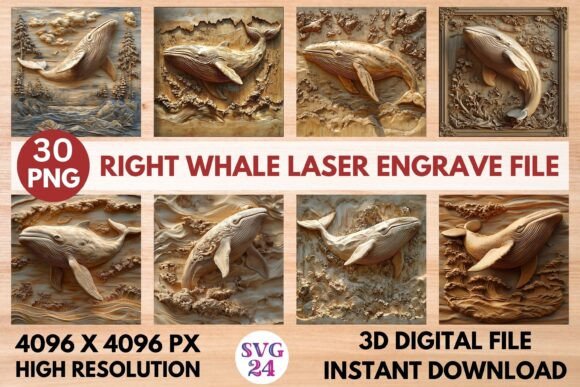
Lotus Laser Engrave File: Stunning Grayscale PNGs for Art
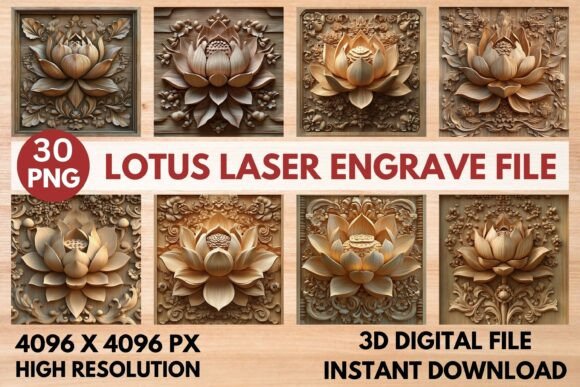
Transforming a simple piece of wood into a breathtaking work of art requires the right digital foundation. For creators using laser engravers, the Lotus Laser Engrave File bundle offers that perfect starting point, providing beautifully detailed grayscale lotus designs ready for immediate creation. These files are more than just images; they are precision-crafted assets designed to translate your artistic vision into physical reality with stunning clarity and depth.
Why Choose a Dedicated Laser Engrave File?
Unlike standard clipart, a professional laser engrave file is optimized for the specific demands of laser technology. The premium grayscale PNGs in this bundle use a dithered Jarvis filter, which is essential for achieving smooth gradients and intricate details on materials like wood, leather, or acrylic. This technical optimization ensures your laser machine interprets the image correctly, producing clean lines and rich tonal variations without the guesswork or manual adjustments often required with generic design assets.
The practical applications for these lotus designs are vast. They serve as an excellent foundation for numerous creative projects, functioning as a versatile piece of your design toolkit.
- Home Decor & Wall Art: Create personalized wooden signs, decorative panels, or intricate paper-cut layered art.
- Customized Stationery: Engrave elegant notepads, journals, or wedding invitation suites for a tactile, premium feel.
- Product Packaging: Add a unique, branded element to boxes, tags, or product labels that elevates unboxing.
- Merchandise: Design distinctive coasters, keychains, or tableware that showcase your unique style.
Integrating These Designs into Your Creative Workflow
When you download this Lotus Laser Engrave File, you receive 30 high-resolution PNGs—15 coloring versions and 15 optimized grayscale versions—all at 4096x4096 pixels with transparent backgrounds. This flexibility is key. The coloring PNGs can be used for digital projects or printed crafts, while the grayscale versions are specifically prepared for your laser. To get the best results, always use the grayscale PNG for engraving. For users of popular software like LightBurn, the files are pre-dithered, but you can still adjust settings like speed and power to match your specific machine and material.
A pro tip for achieving professional outcomes: always test your settings on a scrap piece of your chosen material first. The recommended Glowforge settings (Speed 1000, Power 90, Grayscale - Vary Power) are a fantastic starting point for light-colored woods like maple or birch. Remember, these are high-detail PNG files, not SVGs, so they excel at creating beautiful, photographic-quality engravings rather than single-line vector cuts.
Choosing the right design assets is crucial for maintaining a professional and consistent brand identity across all your projects. A well-curated set of designs, much like a well-chosen typeface for typography, brings cohesion and polish. This bundle acts as a reliable design asset, ensuring every piece you create—from logo presentations on physical products to decorative elements in packaging design—carries a unified aesthetic. The right visual foundation helps your work look more considered, polished, and ready for any client or customer.
Ultimately, the value of a resource like this lies in its ability to spark creativity and streamline production. It removes technical barriers, allowing you to focus on the artistic application. Whether you're expanding your small business's product line, personalizing gifts, or exploring a new artistic medium, having a set of high-quality, ready-to-use laser engrave files provides both inspiration and efficiency, helping you bring beautiful, tangible designs to life.